Open.
The sounds are ready when you open the app.


Now on Android and iOS
Free. No ads. No accounts.
Choose rain, ocean waves, thunderstorm, brown noise, fan sounds, or blizzard with campfire. Set a sleep timer or leave your sound playing all night. No subscriptions.


Free, forever.
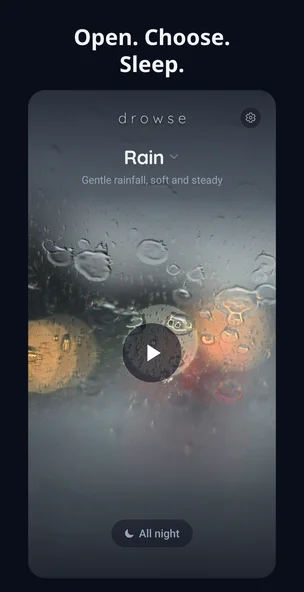
The sounds are ready when you open the app.
Pick one of the six sounds and press play.
Set a timer or let it play all night. Turn it off in the morning.
Sound selection
Preview each sound here. In the app, all six are built in and loop continuously, even offline.
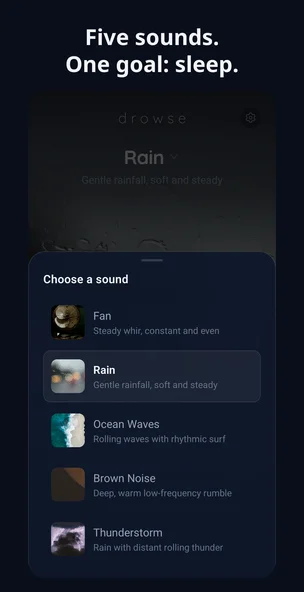
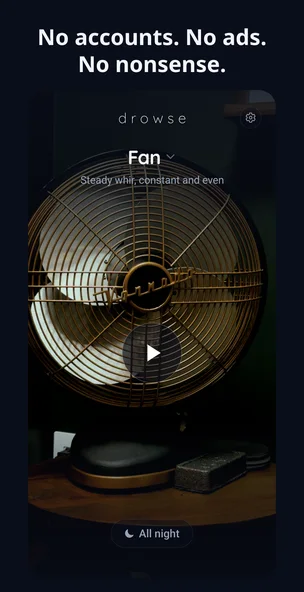
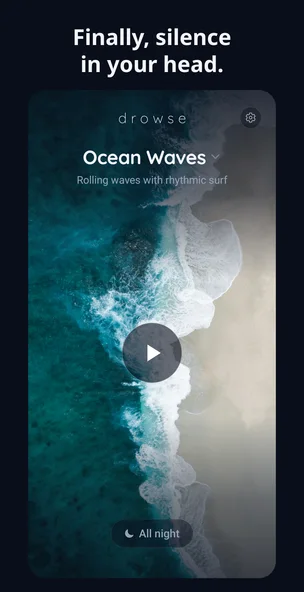
What's included
The whole pitch
Play a sound with the screen off. Use the sleep timer when you want it to fade out.
Sleep timer
Choose a timer to fade the sound out, or All night for playback without a time limit.
All night: no timed stop.
FAQ
Yes. Drowse is free on Android and iOS, with no ads, no accounts, and no subscriptions.
No. Drowse does not use ad banners, account creation, sign-ups, or paid subscriptions.
Yes. You can let Drowse play all night, or choose a timer option so the sound fades out later.
Drowse includes rain, fan noise, brown noise, ocean waves, thunderstorm, and blizzard with campfire sounds.
Yes. Drowse is built for background playback, so your sleep sound can continue when the screen is off.
Yes. The sleep sounds are built into the app, so Drowse works offline with no wifi or connection needed.
Yes. You can also play the sounds while reading, focusing, or relaxing.
No. Drowse plays one sound at a time. Choose any of the six built-in sounds and switch whenever you like.

Free on Android and iOS, with all six sounds included.